Problem
Provide supplemental access to visual information for blind and low-vision users.
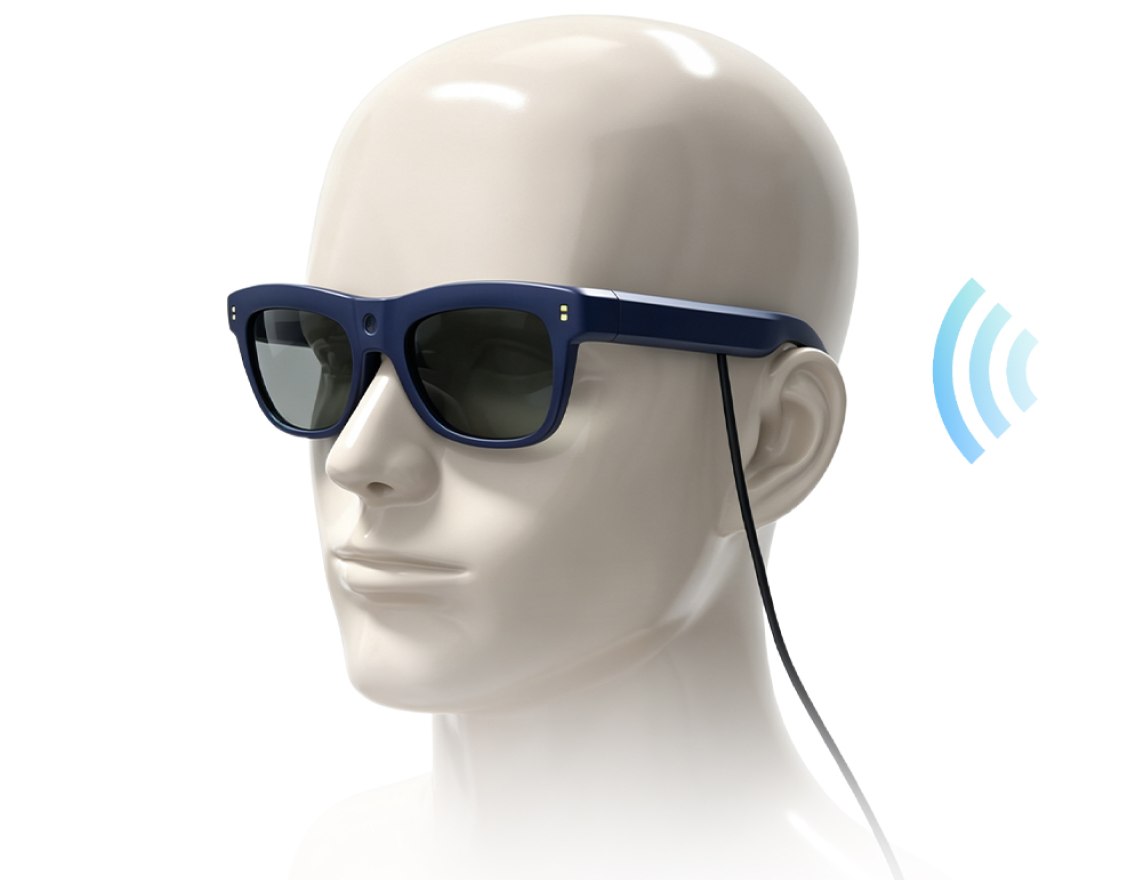
Confidant is a 2021 historical custom AI assistive-glasses project for a Disabled Persons' Federation in mainland China. It is not an overseas-ready product and cannot be supplied as evaluation samples. Similar requirements need a new ODM project with NRE, development time and project budget. Its historical configuration combined a front camera and optical character recognition (OCR) with spoken output, two forward sensors, a GPS module and a handheld controller for blind and low-vision users.
PRODUCT FIT & DEVELOPMENT SCOPE
Provide supplemental access to visual information for blind and low-vision users.
Confidant is a historical 2021 mainland-China assistive project combining a front camera, spoken OCR and two forward obstacle sensors with a GPS module and handheld controller. It is not an overseas-ready product; the original systems are not available for sample dispatch or testing.
Assistive-product developers and accessibility organisations defining a new project for their intended users and region.
Use the historical OCR, spoken information and assistance workflows as references for new development. Languages, performance, connectivity and safe intended use require project-specific validation; independent-travel safety is not established.
Similar requirements need a new ODM project with NRE, development time and project budget. Define the architecture, services, accessories, data handling and acceptance plan. The original solution is not a portable K900 plug-in SDK.
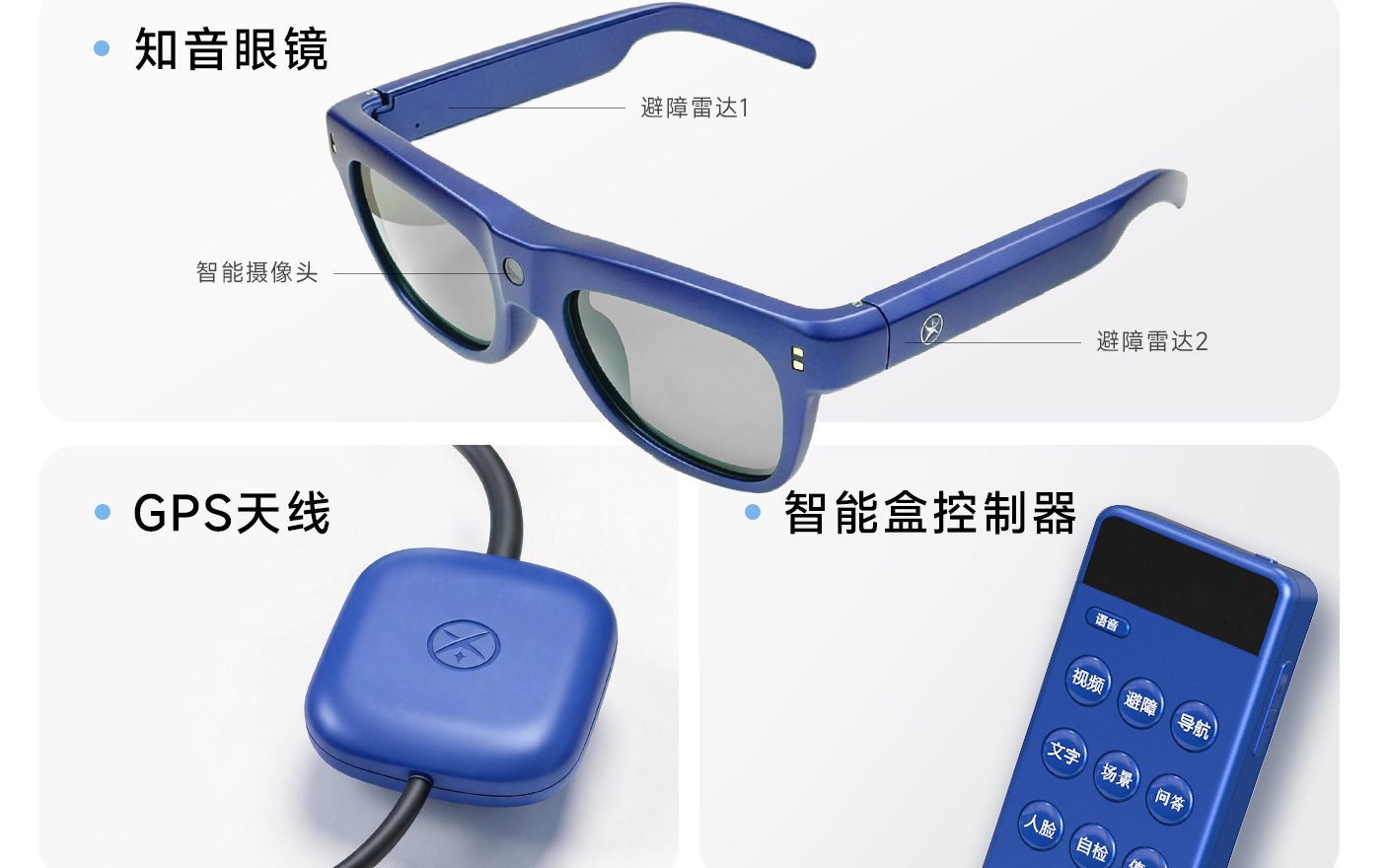
The historical project sheet presents the glasses as one part of a larger workflow. Visual input comes from the front camera, forward obstacle information comes from two frame-mounted sensors, positioning is supported by the separate GPS module, and functions are selected from the handheld controller.
The historical project attachment presents camera-assisted descriptions and voice interaction as supplemental information for blind and low-vision users. These are historical configuration references. Outputs depend on image quality, environment, model behavior and the service configuration; similar functions require new ODM development.
The camera can provide input for descriptions of the surrounding scene. AI output may be incomplete or inaccurate and should not be treated as safety-critical information.
The supplied sheet presents a question-and-answer workflow for requesting information about what the camera can see. Supported languages and response quality require project validation.
A remote-assistance workflow is shown. Network, application, video quality, latency, consent, privacy and support-staffing requirements are project-defined.
One supplied photograph and three supplied MP4 files show the glasses in use. They document historical configurations and provide visual context only. They do not establish overseas usability, sample availability or specifications for a new ODM project.
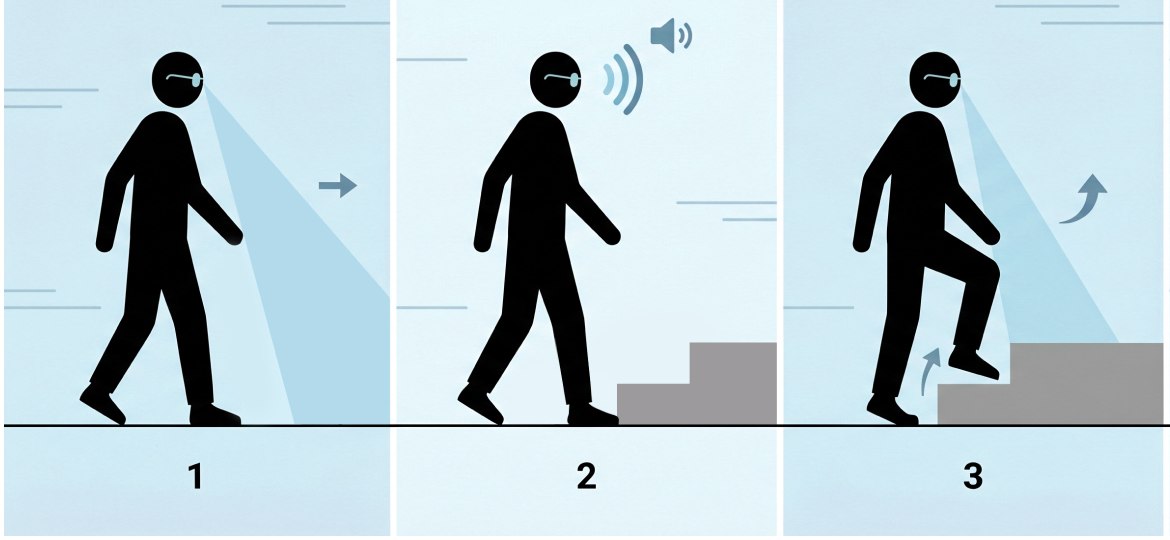
The product sheet shows two obstacle sensors mounted toward the front of the frame. They are presented as a source of spoken forward-obstacle and estimated-distance information.
The historical illustration does not establish detection range, field of coverage, object taxonomy, response time or environmental performance for a new project. Similar obstacle-assistance functions require new ODM development, defined acceptance criteria and testing in representative environments.

The historical project sheet presents map-based walking guidance for mainland-China use, supported by the pictured GPS module or antenna. It illustrates route instructions and deviation prompts through the configured audio output. This service is not represented as usable overseas; any new regional implementation requires ODM development.
The historical project sheet presents camera-based optical character recognition (OCR) for visible printed text with spoken output. This OCR and obstacle-assistance solution is not a portable plug-in SDK for K900. Similar functions on K900 or another architecture require new ODM development and validation of language coverage, content types, text size, offline behavior, latency and accuracy. Performance depends on lighting, focus, framing, contrast, layout, connectivity and the model and service configuration.

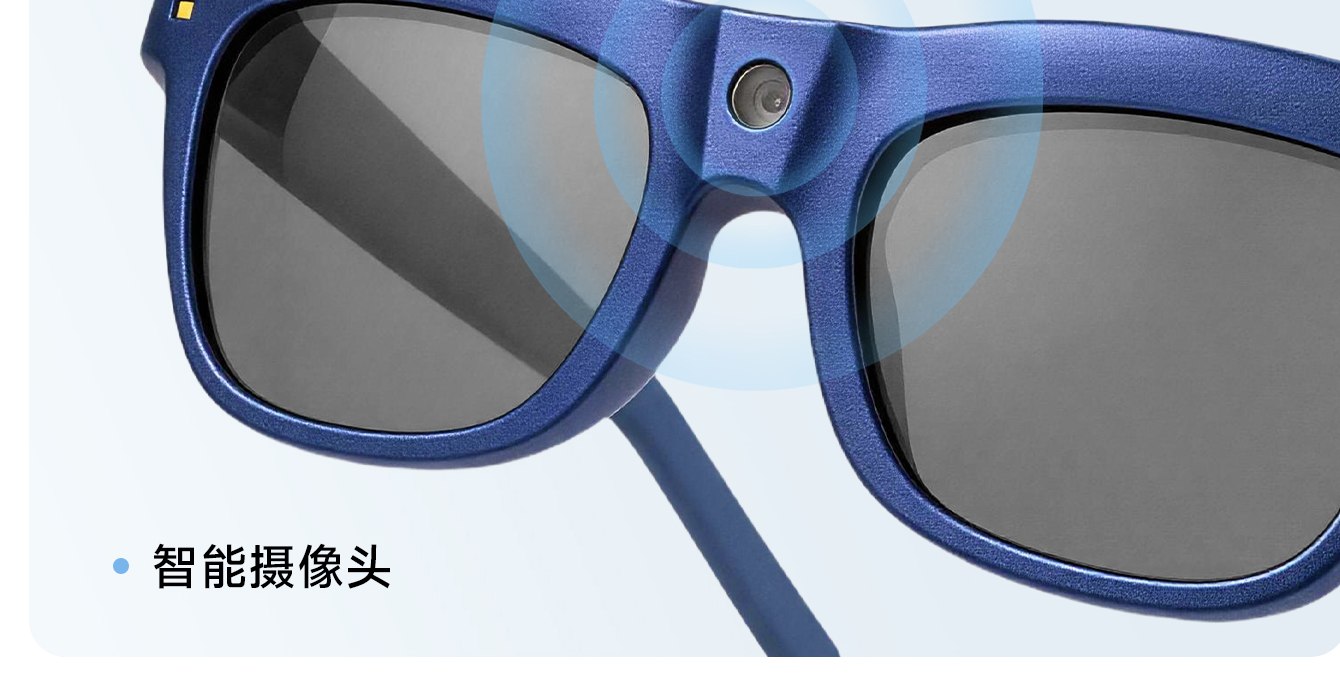
The camera captures visible printed content for OCR-assisted reading. Language coverage, layout handling and spoken-output behavior must be validated with representative material before deployment.
The sheet shows these recognition categories without a validated object count, currency list or accuracy value. Define the required classes before acceptance testing.
Familiar-person recognition should be limited to explicitly enrolled contacts, with informed consent, access controls, secure biometric-data handling and a deletion process.
These are historical configuration references, not standard overseas specifications. Confidant cannot be supplied as evaluation samples; a similar solution requires a new ODM project.
Source and naming note: the supplied reference sheet labels the pictured system “Zhiyin” in Chinese; this website uses Confidant as the historical project name. New ODM work requires its own naming, architecture, accessories, evidence, quotation, datasheet and BOM.
These answers distinguish the historical mainland-China configuration from a new ODM development project. They do not offer current Confidant products or evaluation samples.
Confidant was developed in 2021 for a Disabled Persons' Federation accessibility project in mainland China. It was a custom system intended for use within mainland China. The technical material on this page documents historical configurations and does not define a standard overseas product.
No. Confidant is a historical custom project, not an overseas-ready product. Samples cannot be supplied for testing. Overseas or similar assistive-glasses requirements must be evaluated as a new ODM development project.
No. The historical Confidant OCR and obstacle-assistance solution is not a portable plug-in SDK for K900. Similar functionality on K900 or another architecture requires a separate feasibility assessment and new ODM development.
Similar requirements need a new ODM project with non-recurring engineering (NRE) development fees, development time and a project budget. Share the use case, target region, functional requirements and integration needs. Fees, schedule and deliverables are assessed from the agreed scope; no fixed price or delivery period is promised.
The historical project sheet shows smart glasses with a front camera and two front-facing obstacle sensors, plus a GPS module or antenna and a handheld controller. These describe the historical system, not a standard overseas configuration. Any new ODM project needs its own wiring, accessories and package-content definition.
The historical sheet presents optical character recognition (OCR) for visible printed text, scene descriptions and spoken questions, remote video assistance, forward obstacle alerts, map-based route prompts, common-object and selected-currency recognition, and optional recognition of enrolled contacts. These are historical configuration references; any similar new ODM project needs its own performance validation.
The historical project sheet presents camera-based recognition of visible printed text with spoken output. This is not a portable plug-in SDK for K900. A new ODM project must define and validate languages, handwriting or screen-text needs, minimum text size, offline behavior, latency and accuracy.
No. Confidant provides supplemental assistive information and must not be used as the sole navigation or safety aid. It does not replace a white cane, guide dog, orientation-and-mobility training, environmental awareness or user judgment.
For a new ODM project, treat familiar-person recognition as an optional workflow limited to explicitly enrolled contacts. Obtain informed consent, define data retention and deletion, restrict access, secure biometric data and confirm applicable privacy law before deployment.
Share the target users, regions, OCR languages and document types, navigation service, recognition categories, connectivity environment, privacy requirements, safety validation plan and project budget. New development requires non-recurring engineering (NRE) fees and development time; costs, schedule and deliverables depend on the agreed scope. Confidant samples cannot be supplied for testing.